Voice Dictation vs Typing: Which Is Faster? (150 vs 40 WPM)
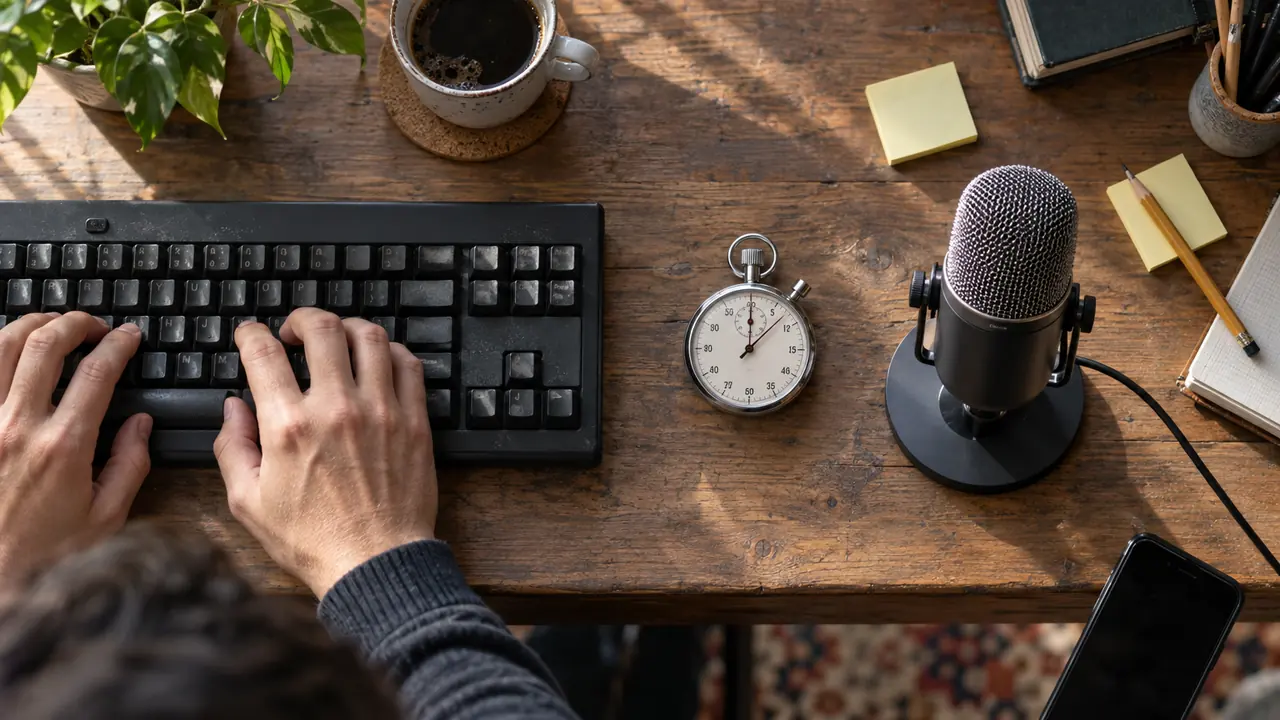
150 words per minute versus 40. That is the measured gap between voice dictation and keyboard typing for the average user. A 2017 Stanford study confirmed that dictating is roughly 3 times faster than typing, even after accounting for corrections. Yet most professionals still type thousands of words every day with their fingers.
In this article, we compare both methods objectively across the metrics that matter: raw speed, accuracy, ergonomic comfort, and real-world productivity.
Raw Speed: The Numbers
Keyboard Typing
| Level | Average Speed |
|---|---|
| Beginner | 20-30 WPM |
| Average user | 38-42 WPM |
| Trained typist | 65-75 WPM |
| Fast professional | 80-100 WPM |
Most users plateau around 40 words per minute. Even with years of practice, exceeding 80 WPM requires dedicated training that few people pursue.
Voice Dictation
| Level | Average Speed |
|---|---|
| Slow, articulated speech | 100-120 WPM |
| Normal speech | 130-160 WPM |
| Fast speech | 160-200 WPM |
Natural human speech falls between 130 and 160 words per minute. Even dictating slowly and clearly, you already reach double the average typing speed.
The Correction Factor
The most common objection: "Sure, but I have to fix transcription errors." This is a fair critique that deserves nuance.
The Stanford study (Ruan et al., 2017) measured speed after corrections: voice dictation remained 3.05 times faster than the keyboard on mobile. On desktop, with a modern transcription engine, the error rate of top systems has dropped below 5%, meaning correction time is marginal compared to the raw speed gain.
Ergonomics: The Underrated Argument
The Physical Cost of Typing
Typing 8 hours a day involves roughly 50,000 to 80,000 keystrokes daily. This repetitive motion strains finger tendons, wrists, and forearms. The consequences are well-documented:
- Carpal tunnel syndrome: affects 3-6% of office workers according to occupational health research
- Wrist tendinitis: inflammation from repetitive movements
- Neck and shoulder tension: prolonged static posture at the screen
- Eye strain: extended focus on screen and keyboard
Voice Dictation Reduces Physical Load
Dictating frees your hands and wrists. Users suffering from repetitive strain injuries (RSI) find in voice dictation an alternative that lets them keep producing text without worsening their condition.
Multiple workplace ergonomics studies show that alternating between typing and dictation significantly reduces upper limb muscle fatigue, even in workers without a diagnosed condition.
Full Comparison Table
| Criterion | Keyboard | Voice Dictation |
|---|---|---|
| Average speed | 40 WPM | 150 WPM |
| Speed after corrections | 38 WPM | 120+ WPM |
| Learning curve | Long (weeks) | Short (minutes) |
| RSI risk | High (repetitive strain) | Low |
| Mobile use | Limited | Natural |
| Noisy environment | No impact | Reduced accuracy |
| Code and syntax | Well suited | Limited |
| Long text (emails, reports) | Slow | Very fast |
| Startup cost | Keyboard (already owned) | Software + microphone |
Use Cases: Who Wins by Profession?
Writers and Journalists
For long-form text production -- articles, reports, meeting notes -- voice dictation is unbeatable. A journalist writing 2,000 words can go from 50 minutes of typing to 15 minutes of dictation. The gain is direct and measurable.
Legal Professionals
Lawyers, notaries, and paralegals produce massive volumes of standardized text: briefs, contracts, correspondence. Voice dictation lets them dictate directly into their editor without taking their eyes off the case file.
Healthcare Professionals
Doctors spend an average of 16 minutes per patient on clinical documentation (Annals of Internal Medicine, 2017). Voice dictation cuts this time in half, letting them focus on the patient rather than the screen.
Developers
Paradoxically, developers type relatively little raw text. Their productivity depends more on thinking and navigating code. Voice dictation remains useful for comments, documentation, commit messages, emails, and technical specifications.
Students
Note-taking, essays, dissertations: voice dictation captures ideas at the speed of thought, without the bottleneck of typing. Particularly useful for first drafts and brainstorming sessions.
Honest Limitations of Voice Dictation
Voice dictation is not perfect. Here are situations where the keyboard remains preferable:
- Noisy environments (open offices, cafes): ambient noise degrades accuracy
- Programming: symbols, indentation, and specific syntax are poorly suited to voice
- Complex numerical data: spreadsheets, mathematical formulas
- Privacy: in shared offices, dictating out loud is not always practical
The best approach is hybrid: use voice dictation for everyday text (emails, reports, messages) and the keyboard for code and structured data.
How to Get Started with Voice Dictation on Windows
The quickest way to try is already on your PC: press Windows + H in any text field (here is how to turn on Windows dictation). To unlock the productivity gains of voice dictation, you need a tool that combines three qualities: accurate transcription, seamless system integration, and minimal latency.
Ondula was built for exactly this purpose. The application runs in the background on Windows and activates with a simple keyboard shortcut. Dictated text is injected directly where your cursor is -- email, Word document, browser, any application.
What sets Ondula apart:
- Ultra-fast transcription: optimized speech recognition engine, a quick text return
- More than 100 languages in Cloud mode, 25 European languages in Local mode
- Two processing modes: in local mode your voice never leaves the PC; in cloud mode audio is sent only for the time needed to transcribe it and is not retained by Ondula
- Universal integration: works in any Windows application
- Accessible pricing: EUR 3.90/month excluding tax for 50 hours of dictation, or a free tier (10 minutes every week, for life)
Conclusion
The numbers are clear: voice dictation is 3 to 4 times faster than keyboard typing, with far lower ergonomic cost. Modern transcription engines have reached accuracy levels that make the correction excuse obsolete for most professional use cases.
The real question is no longer "is voice dictation faster?" -- it is "why am I still typing so much?"
If you spend more than an hour a day writing text, trying voice dictation is the simplest and most measurable change you can make for your productivity.
Try Ondula for free -- free tier available, no credit card required.
Ready to try voice dictation?
Download Ondula for free and start dictating in your Windows apps.
Download Ondula