
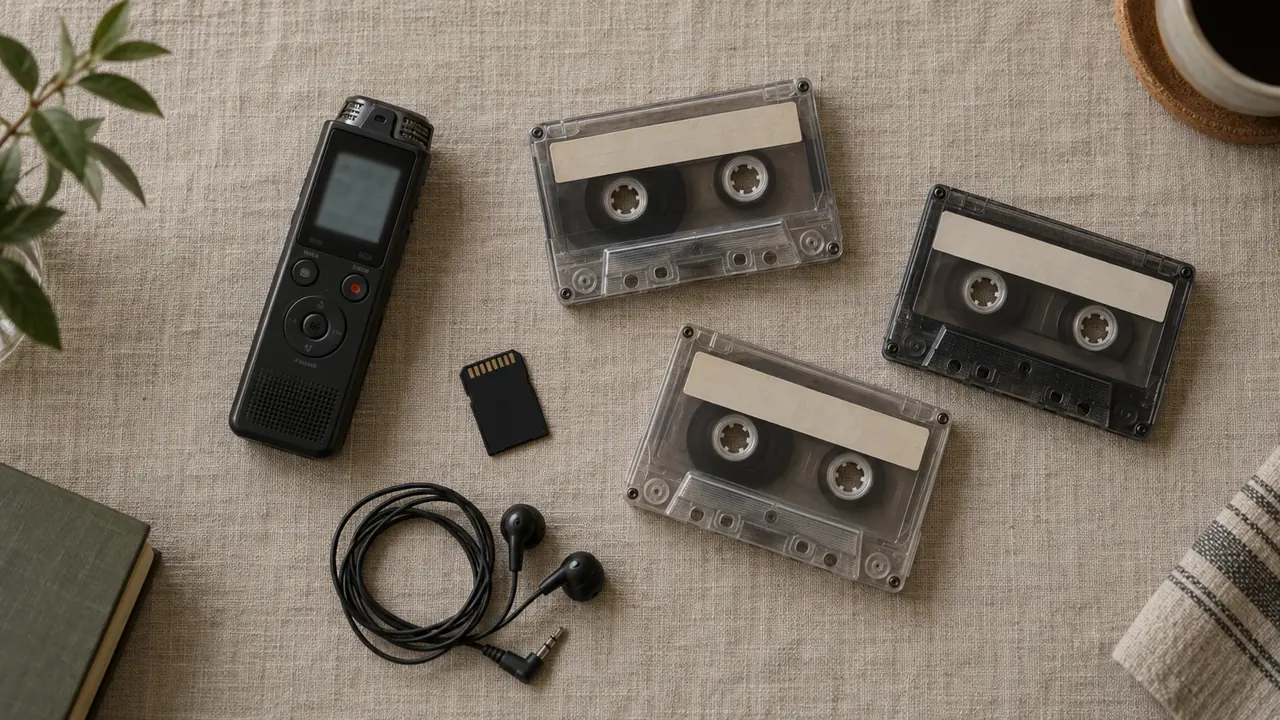
There is no MacWhisper for Windows. The app runs on the Mac, and under another name on iPhone and iPad, but no PC version had been released as of October 18, 2026. On Windows, its features are spread across a handful of tools: Ondula, Superwhisper, Spokenly and a few front ends for the Whisper model. Here's which one does what, followed by a verdict for each need.
The typical story: you moved from a Mac to a PC, and you were used to dropping an interview recording into MacWhisper to get the text back, speaker by speaker, without sending anything over the internet. Or you watched a colleague do it, and now you want the same thing on your Windows laptop.
The short version
- No Windows version of MacWhisper exists as of October 18, 2026. Don't install any .exe that carries its name.
- Transcribing files offline, for free: Ondula does it with no length limit, and exports to PDF.
- Knowing who said what: Ondula with Lifetime Local (€19.99 once). On Windows, Superwhisper and Spokenly don't offer their meeting features.
- SRT subtitles, batches, watched folders: neither Ondula nor most PC tools handle them. Those are the real gaps compared with MacWhisper.
Is there a MacWhisper for Windows?
No. MacWhisper is the work of Jordi Bruin, a Dutch developer (Good Snooze studio), and launched in January 2023. It exists on the Mac, and as "Whisper Transcription" on Apple's App Store for iPhone, iPad and Mac. Neither Windows nor Linux.
Searches for "macwhisper windows download" are still common, though, and they lead to software directories, competitors' pages and sometimes fake installers. The developer of another Mac app, Whisper Notes, publicly warns that fake "Whisper Notes for Windows" files are circulating. The rule of thumb: if a Mac app's official website doesn't offer a Windows version, there isn't one.
What MacWhisper does, in a nutshell
It started as a simple window around Whisper, OpenAI's free speech recognition model. Today it handles audio and video files one at a time or in batches, YouTube videos, meetings recorded without a bot joining the call, speaker recognition, SRT, VTT, DOCX and PDF exports, watched folders and a command line. Everything can run locally, with more than 100 languages advertised.
Price checked on October 18, 2026 on macwhisper.com: a free version and a Pro version for €64, paid once (€39 in 2024). According to a comparison published by a competitor, the free version is limited to local files with the small models; speakers, batches, meetings and exports require Pro.
What users say: accuracy has been praised since 2023 and the developer ships updates often, but support is described as close to nonexistent and speakers are sometimes mislabeled. "macwhisper speaker recognition not working" even shows up among Google's suggested searches.
MacWhisper on Windows: which tool does what?
Here's the feature map, based on the vendors' websites and our own checks on October 18 and 20, 2026. "Mac only" means the vendor offers the feature on the Mac but not on Windows.
| MacWhisper feature | Ondula | Superwhisper (Windows) | Spokenly (Windows) | Whisper front ends |
|---|---|---|---|---|
| Local audio and video files | Yes, free, no length limit | Pro version | Yes, since June 2026 | Yes |
| Speaker labels | Lifetime Local or Cloud | Mac only | Not found | Depends on the tool |
| Meetings without a bot | Lifetime Local, live | Mac only | Mac only | No |
| Export | TXT, Markdown, PDF | Not found | Not found | Depends on the tool |
| SRT, VTT, batches, watched folders | No | Not found | Not found | Depends on the tool |
| Dictation in every app | Yes, free offline | Yes | Yes, free locally | No |
| Offline languages | 25 European languages | Depends on the model | Depends on the model | Whisper's languages |
| Price | Free; €19.99 once; Cloud €5.99 a month | $8.49/month, $84.99/year, $249.99 lifetime | Free locally; $29 once; Pro $99.99/year | Free to $50 |
Two details worth knowing. Superwhisper opened its Windows version in December 2025; its documentation warns that without a Vulkan-compatible graphics card, its large models become "much slower". Spokenly, built by a solo developer, added file transcription on Windows in June 2026 and itself admits that its Mac and iPhone versions are the most polished.
Which one should you choose?
"I want to transcribe interviews, lectures or podcasts without paying." Ondula: drop in the file, pick the language, and the full text is written offline, with no account and no length limit, as TXT, Markdown or PDF. That's the heart of what MacWhisper's free version did, without being stuck with the small models.
"My recordings are confidential." Stay local, whatever the tool. With Ondula, file transcription always happens on the PC, on the graphics card whatever its brand, or on the processor alone. Think of the lawyer recording a client meeting, the recruiter, the journalist protecting a source.
"I need to know who said what." This is where the field narrows on Windows. Ondula separates speakers with Lifetime Local, €19.99 once, on 3 PCs, or with Cloud: the text reads "Speaker 1: …", "Speaker 2: …", and a find-and-replace puts the names in. Lifetime Local also adds voice memory and live meetings, with no bot joining the call.
"I want a summary, not a verbatim transcript." With Cloud (€5.99 a month, 20 hours of summaries), Ondula produces an AI summary of a file as PDF, Markdown or TXT, following an instruction if you give one ("the decisions and who owns them"). Only the text goes to the server; the transcription itself is done on the PC.
"Mostly I want to dictate; files are a bonus." Superwhisper, which is highly configurable, or Spokenly, whose local dictation is free. Ondula also dictates into every app, free and offline. We compare them in our Superwhisper alternative article.
"I want to pick my own model and tinker." Go with a graphical front end for Whisper. Const-me/Whisper is free but requires a Direct3D 11 graphics card and a recent processor. WizWhisp costs $10 for the full version, according to its AlternativeTo listing. GoWhisper offers the small models for free and charges $50 for lifetime access to the more accurate ones, according to the French site JustGeek. Our overview of open-source dictation on Windows covers the rest.
Not suited to this job: Handy and Windows voice typing (Win+H). They take dictation from the microphone, but they don't transcribe files.
What Ondula doesn't do
Better to know before you choose:
- No Mac version. If you keep a Mac next to your PC, MacWhisper is still a good pick on that side.
- No SRT or VTT subtitle output, and no DOCX: text comes out as TXT, Markdown or PDF. You can, however, drop in an existing SRT file to have it laid out as a PDF.
- One file at a time, with no batches or watched folders, and no YouTube link to paste: you need the file itself.
- 25 European languages, one per file, chosen before you start. MacWhisper advertises more than 100.
How to compare two tools on your own files
The pages comparing these tools, often written by their own vendors, measure almost nothing. We don't publish speed or accuracy figures for Ondula either. The fairest approach is to test for yourself, in about fifteen minutes:
- Take three two-minute clips: a two-person interview, a meeting with several people, and a stretch where two languages mix.
- Set the spoken language when the tool allows it, rather than letting it guess.
- Time each transcription, plugged in, on the PC you'll actually use.
- Count the errors on proper names and numbers, then the sentences attributed to the wrong person: that's where the tools pull apart.
- Check the overlaps, when two people talk at once: every tool stumbles there.
With Ondula: install the app from the Microsoft Store, open the Files tab, drop in the clip and choose the output. Our guide to transcribing audio or video to text walks through every step, and the pricing page compares the plans.
Frequently asked questions
Is MacWhisper available for Windows?
No. MacWhisper runs on the Mac, and as "Whisper Transcription" on iPhone and iPad. Any file sold or offered as "MacWhisper for Windows" can't be trusted.
What's the free MacWhisper equivalent on Windows?
Ondula transcribes your audio and video files offline for free, with no length limit, and can export them to PDF. Graphical front ends for Whisper are another free, more technical option.
Can Ondula tell who is speaking in a file?
Yes, with Lifetime Local at €19.99 once, or with Cloud: the text shows "Speaker 1", "Speaker 2" and so on. You then replace the numbers with names.
Do Superwhisper or Spokenly replace MacWhisper on Windows?
Partly. Both transcribe files on Windows (Superwhisper in its Pro version), but their meeting features are Mac only. They're dictation tools first.
Your interviews and lectures turned into text on Windows, without sending them over the internet: download Ondula for free from the Microsoft Store.