Transcribe Audio or Video to Text on Windows, Offline
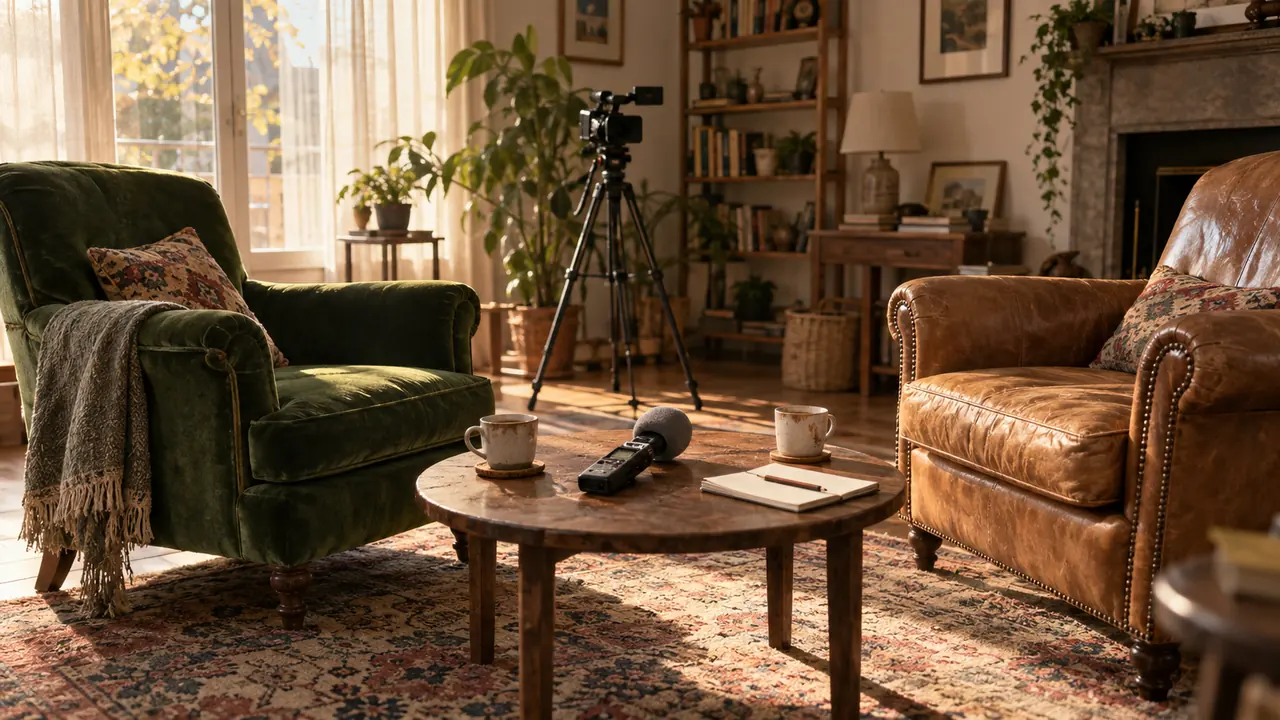
A 45-minute interview, a recorded meeting, a lecture, a podcast: transcribing them by hand takes hours. Online services are faster, but you have to hand them your recordings. Ondula, the voice dictation app for Windows, also transcribes your audio and video files, right on your PC and with no internet connection.
In short
- Drop an audio or video file into Ondula's "Files" tab: the text lands in a .txt file or on the clipboard.
- Everything happens on your computer: the file is not sent anywhere, and transcription works without internet.
- As an option, Ondula shows who is speaking: "Speaker 1", "Speaker 2"…
- File transcription is included in Local mode, unlocked once for €29.99 excl. tax, with no subscription and no per-minute billing.
Three ways to transcribe a recording
By hand. Listen, pause, type, rewind: it is free, but one hour of audio takes several hours of work.
With an online service. You upload the file to a server, which sends back the text. It is fast, but the recording leaves your computer, and these services usually charge per minute or by subscription.
With software on your PC. The file stays with you, and transcription works even offline. That is Ondula's approach.
How to transcribe a file with Ondula
- Install Ondula from the Microsoft Store, via the Download page.
- Switch to "Offline" mode in the "Transcription" tab, and download the local model (about 1.1 GB, once).
- Unlock Local mode for €29.99 excl. tax, once: file transcription is part of it.
- Open the "Files" tab and drop your file into it, or click "Choose a file".
- Set the language spoken in the file, and tick "Identify speakers" if several people talk.
- Pick the output: a .txt file, saved next to the original under the same name, or the clipboard, ready to paste.
- Click "Transcribe": progress is displayed, and you can cancel at any time.
Which files?
Common audio formats (MP3, WAV, M4A, FLAC, OGG…) and video formats (MP4, MOV, MKV…). For a video, only the sound is transcribed: handy for getting the text of a filmed talk, a webinar or a video interview. For recorded lectures, see also our guide to voice dictation for students.
Who is speaking? The speakers option
For an interview or a meeting, tick "Identify speakers": the text shows who is speaking, as "Speaker 1", "Speaker 2"… Ondula does not know people's names: a quick find-and-replace in your word processor adds them afterwards.
Your recordings stay with you
Confidential interviews, internal meetings, job interviews: with Ondula, the file never leaves your computer. The model runs on your PC, on the graphics card whatever its brand, otherwise on the processor, and it needs no connection once downloaded. To learn more, read our guide to offline voice dictation and our article on privacy and the GDPR.
Which languages?
The local model recognizes 25 European languages, including English, French, German, Spanish, Italian, Portuguese, Dutch, Polish, Swedish and Finnish. You choose the language spoken in the file before starting the transcription.
How much does it cost?
File transcription is included in Local mode, unlocked once for €29.99 excl. tax, on up to 10 PCs per account. No subscription, no per-minute billing. The free Local trial (1 hour per PC, 3 hours with an account) lets you judge offline dictation before buying. The full pricing page presents both of Ondula's offers.
Limits to know
- Windows only: Ondula runs on Windows 10 and 11, not on Mac or phones.
- 25 languages, all European.
- Speakers are numbered, not named.
- Duration depends on your PC and on the length of the file: with a graphics card, transcription is faster.
Frequently asked questions
Do I need an internet connection?
No. Once the model is downloaded and Local mode is unlocked, file transcription works offline.
Can I transcribe a video?
Yes: MP4, MOV, MKV… Only the sound is transcribed.
Where is the transcribed text?
In a .txt file, saved next to the original file under the same name, or on the clipboard if you chose that output.
Is file transcription part of the free trial?
No: it is included in the unlocked Local mode. The free Local trial covers dictation.
Conclusion
To transcribe an interview, a meeting or a video without sending your recordings over the internet, Ondula does the job on your PC, for €29.99 excl. tax, once, offline dictation included.
Get Ondula from the Microsoft Store, then switch to "Offline" mode in the app.
Ready to try voice dictation?
Download Ondula for free and start dictating in your Windows apps.
Download Ondula